
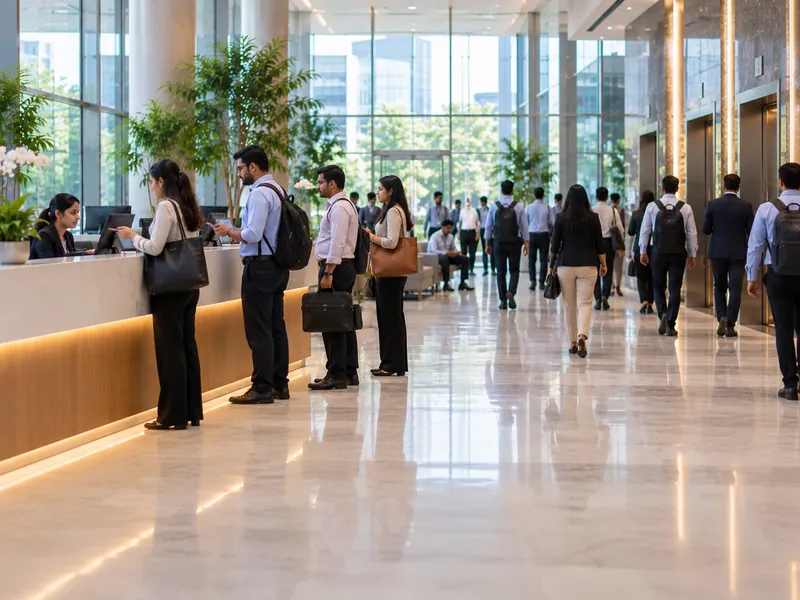
A Morning Queue at Reception
Visitors arrive in a cluster at 10 am, and each one waits while the receptionist writes details by hand and phones upstairs for the host.
Admin head · Facility manager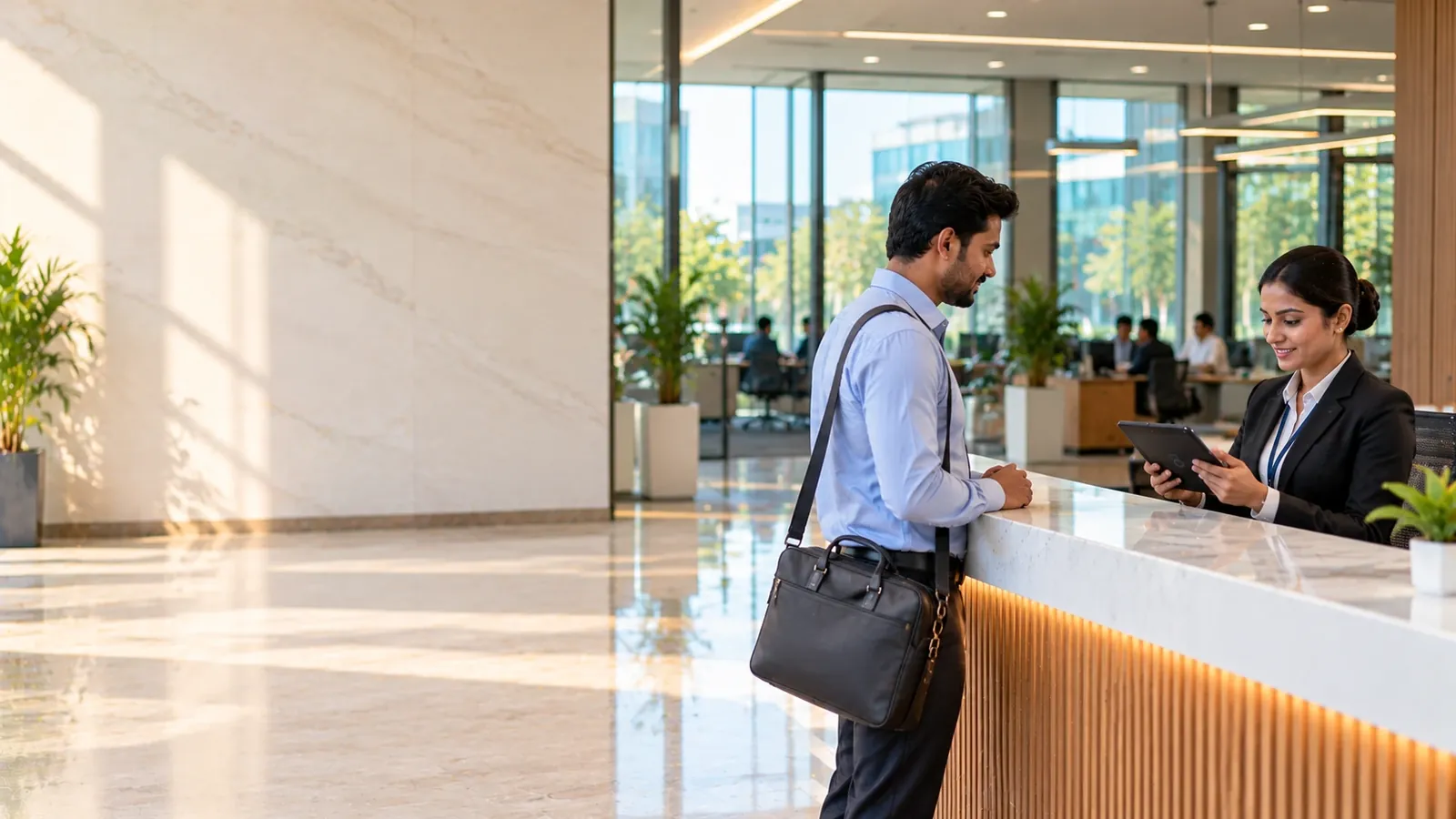
Streamline Visitor, Guest and Vendor Management across IT Parks and Corporate Offices with VizPass. Simplify Digital Check-ins, Pre-Registered Guests, WhatsApp-Based Host Approvals, QR Visitor Passes, Meeting Rooms and Emergency Evacuations while Maintaining Secure, Searchable Visitor Records Across Every Floor and Office.
Companies already running their gates on VizPass










IT Parks and Corporate Offices face unique challenges in managing Visitors, Interview Candidates, Clients, Vendors and Couriers, Emergency Evacuations while Maintaining Security and a Professional Front Desk.
The same four steps for a client, an interview candidate, a vendor or a guest — each on the VizPass mobile app.
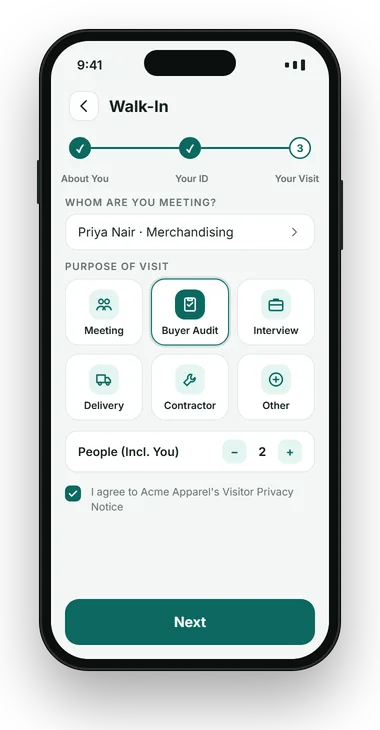
The visitor scans the reception QR code, or the receptionist starts a walk-in: who they are meeting and why.
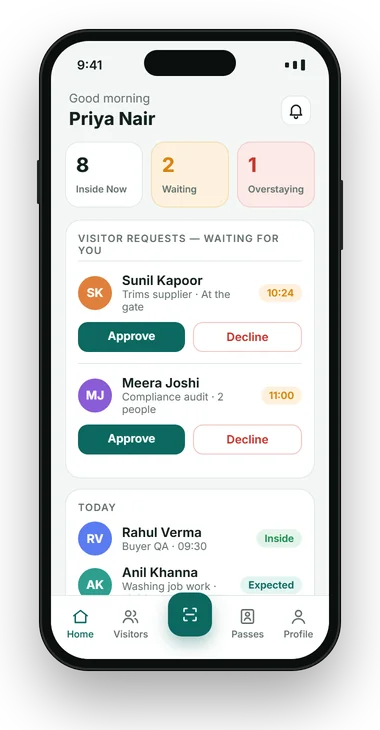
The employee being visited approves or declines from their desk, on their phone, on WhatsApp or from a link.
A pass with the visitor's name, host, valid-till time and QR code, on their phone or printed at reception.
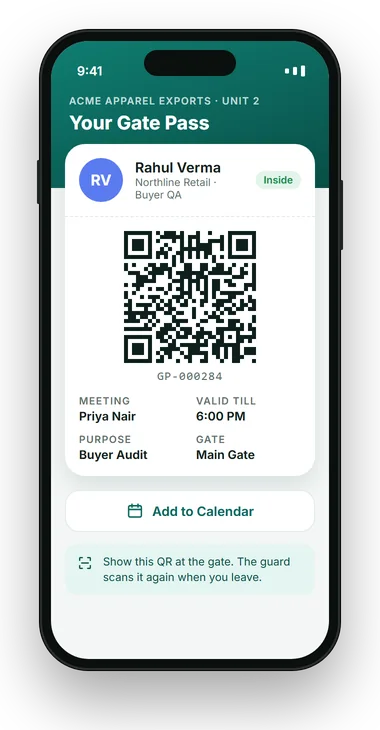
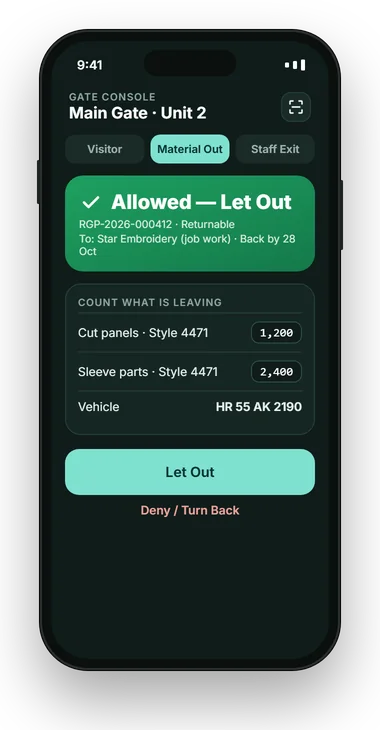
One scan shows security allowed or turned back, and the exit scan keeps the list of who is inside true for roll call.
VizPass Visitor Management for Offices and IT Parks is visitor management software for the reception desk and the campus gate: digital check-in with photo and ID, a host approval system that lets the employee approve from their desk, phone or WhatsApp, QR visitor passes, meeting rooms booked with the visit, candidate check-in for interview days, and a live list of who is inside for an evacuation roll call. It runs on a tablet or phone at reception, with no hardware to buy.
Office lobbies and reception desks are the first line of security, yet they are often overloaded with unscheduled walk-ins, last-minute interview candidates, client delegations and a constant stream of couriers. The result is clients kept waiting, interviewers who do not know their candidate has arrived, and a sign-in sheet that cannot say who is still in the building.
Visitor management for offices is shaped by three things a factory gate sees less of. First impressions matter — the client meeting starts at the reception desk. Visitor numbers swing wildly between a normal Tuesday and a recruitment drive. And in an IT park, the building's security, the facility team and each company's own admin all have a stake in the same front door.
An office security system is therefore less about hardware and more about a record and a flow: who came, who invited them, which room they went to and when they left — without slowing the lobby down.
None of these are security breaches on day one. They are front desk gaps that turn into a poor first impression, a missed candidate or an incident nobody can reconstruct.
Visitors arrive in a cluster at 10 am, and each one waits while the receptionist writes details by hand and phones upstairs for the host.
Admin head · Facility manager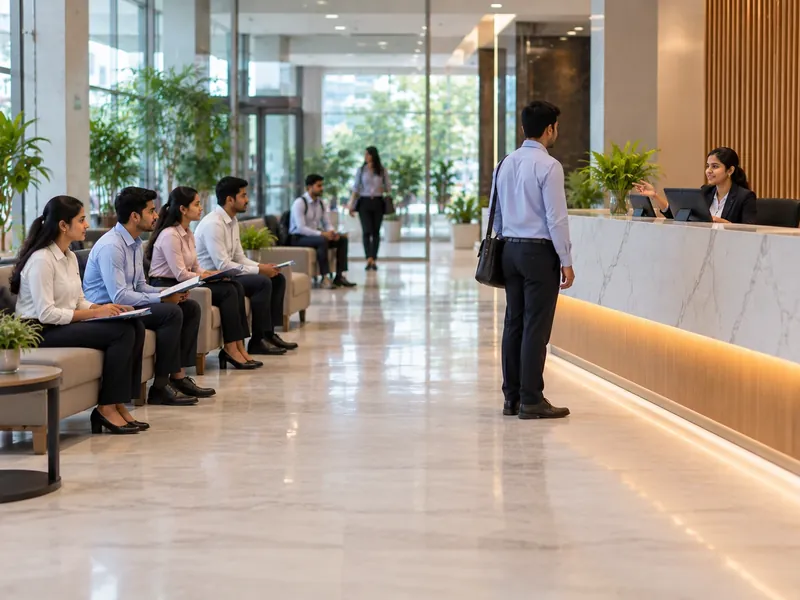
Thirty candidates for a hiring drive sit in the lobby, and interviewers keep calling reception to ask whether theirs has arrived.
HR head · Talent acquisition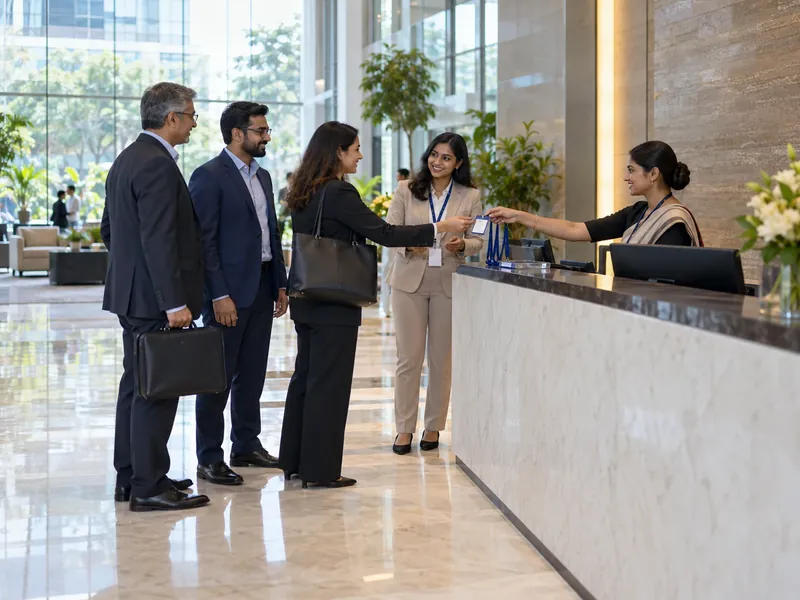
A client delegation is at the desk on time, but the host is in another meeting and reception does not know who else can receive them.
Business heads · Admin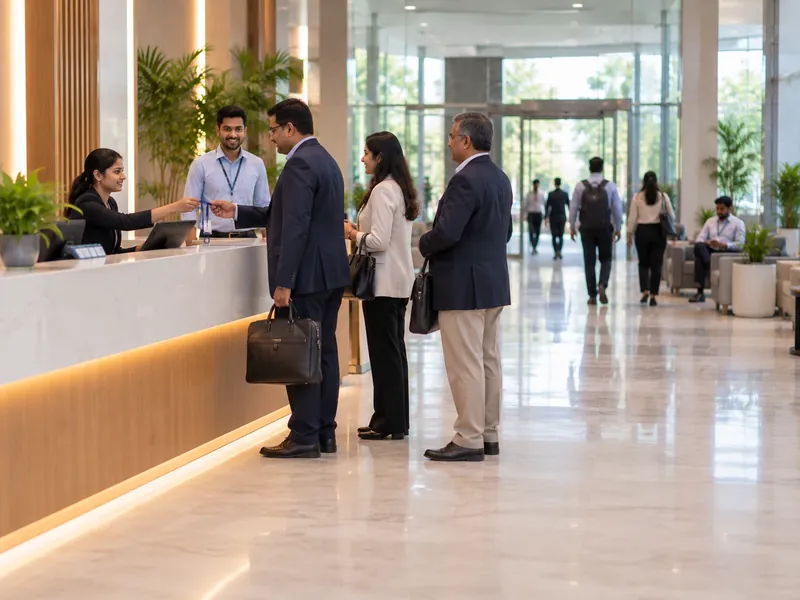
The client is badged and walked upstairs, only to find the room booked on a separate calendar by another team for the same hour.
Facility manager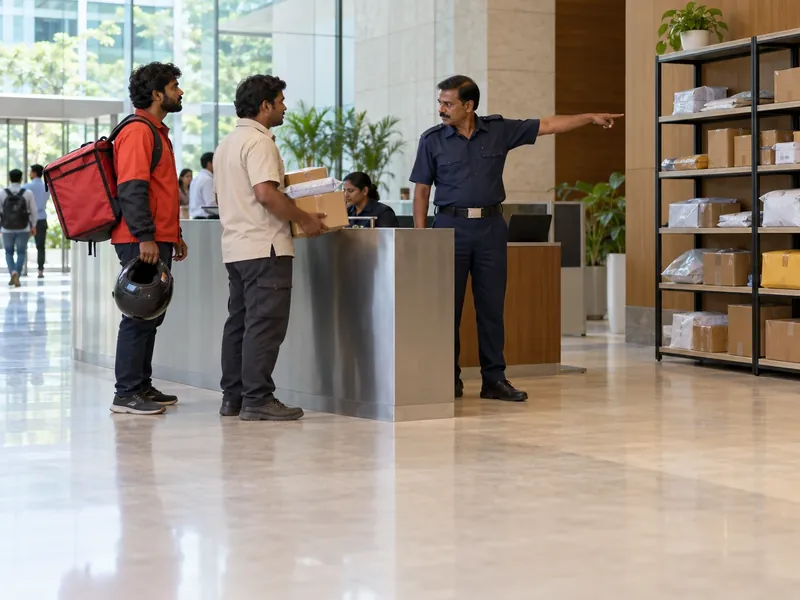
Couriers and food deliveries arrive all day, and an important document sits on the shelf for three days because nobody told the recipient.
Admin · Mailroom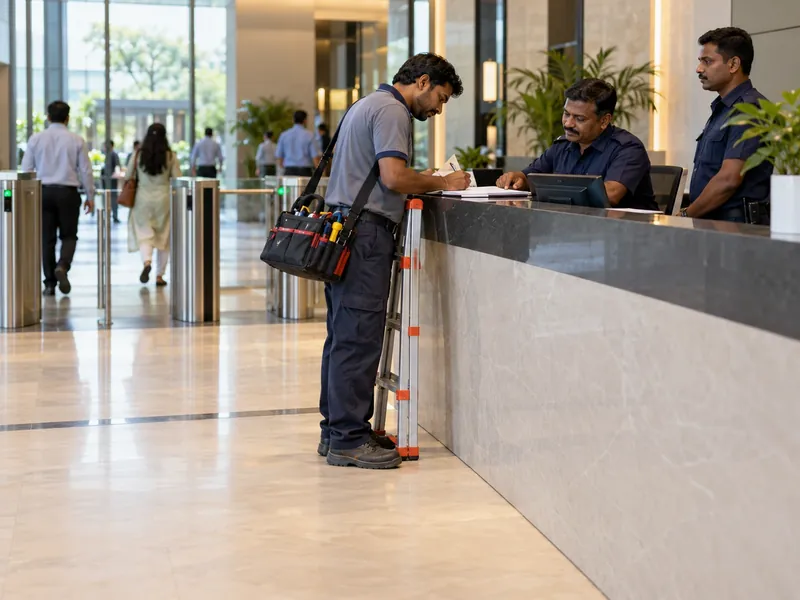
AC, IT and housekeeping vendors sign a register that nobody can search, so "who was on the 7th floor on Saturday" has no answer.
Facility · Security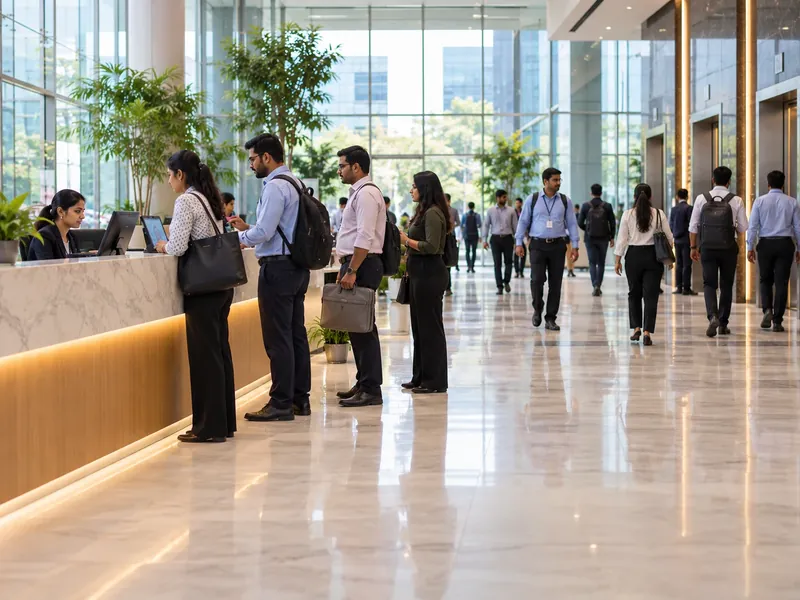
Visitors sign in but rarely sign out, so by evening the sheet cannot tell security who is still in the building.
Security head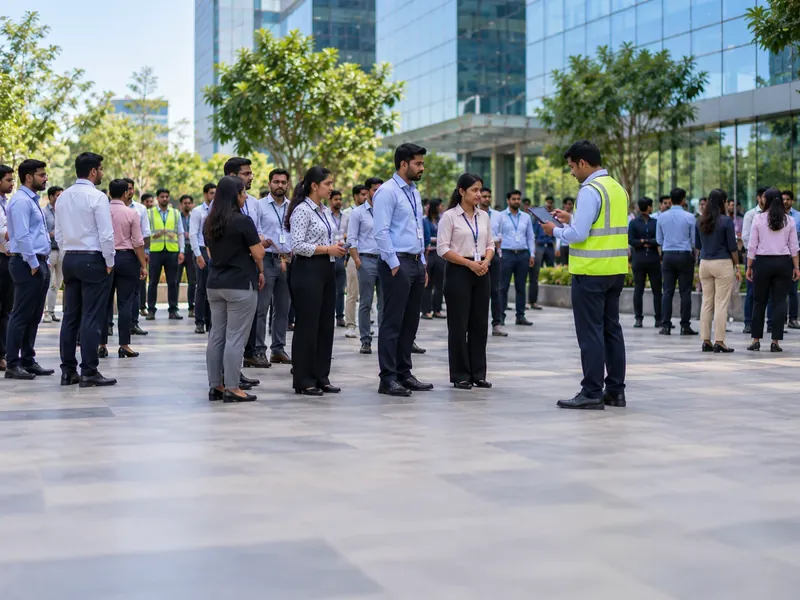
When the fire alarm goes, wardens can count their own teams, but nobody knows which visitors and vendors were inside at that moment.
EHS · Floor wardensVizPass moves the reception register from a book to a tablet or phone, and every entry — client, candidate, vendor or guest — carries a photo, ID, the host who received them, and time in and time out. The record is searchable and exportable, so "who visited the finance floor last Saturday" is a lookup, not a hunt through pages.
At an office reception it covers:
Not every plan includes every item: WhatsApp approval, meeting rooms, the visitor calendar and roll call start on the Basic plan, and the courier desk is set up on an Enterprise plan rather than one of the four published plans.
Gates like yours
“VizPass has made our front desk operations much more organised. Visitor check-ins, courier entries and gate approvals are now handled digitally, which saves time and improves accountability.”
Gagan Mathur
 OM Sweets
“VizPass gives our operations team better control over daily gate activity. Material movement, employee exits and reports are now easier to track, approve and review.”
Sandeep Garg
Karan Latex Ltd
“VizPass made our front desk faster and more organised. Visitor check-ins, courier entries and approvals are now handled without paper registers.”
Harman S
Admin Head, Ferozepur College of Engineering
“The platform feels simple for reception staff and professional for guests. Pre-registration and instant host alerts have improved our daily visitor flow.”
Rekha Y
Operation Head, Orchid Petal Ltd
“QR check-ins and OTP verification made guest entry smooth and contactless. Our teams receive notifications on time, without follow-up calls.”
Nitish T
Operation Head, HRIT University
“We have much better control at the gate now. Our security team can verify visitors, track movement and maintain accurate digital records.”
Gaurav S
Facility Manager, MMMIPCollege of Pharmacy
“VizPass gives us clear reports for visitors, couriers and gate activity. It saves admin time and helps management review data quickly.”
Harish G
Plant Head, HPL Ltd
“VizPass has made our front desk operations much more organised. Visitor check-ins, courier entries and gate approvals are now handled digitally, which saves time and improves accountability.”
Gagan Mathur
OM Sweets
“VizPass gives our operations team better control over daily gate activity. Material movement, employee exits and reports are now easier to track, approve and review.”
Sandeep Garg
Karan Latex Ltd
“VizPass made our front desk faster and more organised. Visitor check-ins, courier entries and approvals are now handled without paper registers.”
Harman S
Admin Head, Ferozepur College of Engineering
“The platform feels simple for reception staff and professional for guests. Pre-registration and instant host alerts have improved our daily visitor flow.”
Rekha Y
Operation Head, Orchid Petal Ltd
“QR check-ins and OTP verification made guest entry smooth and contactless. Our teams receive notifications on time, without follow-up calls.”
Nitish T
Operation Head, HRIT University
“We have much better control at the gate now. Our security team can verify visitors, track movement and maintain accurate digital records.”
Gaurav S
Facility Manager, MMMIPCollege of Pharmacy
“VizPass gives us clear reports for visitors, couriers and gate activity. It saves admin time and helps management review data quickly.”
Harish G
Plant Head, HPL Ltd
See How VizPass Handles These Challenges
An on-site demo across Delhi NCR, or a live video demo pointed at your reception anywhere in India.
Six situations every office and IT park reception meets, and what happens with VizPass in place.
Expected guests are pre-registered and already on reception's list, returning visitors are recognised by phone number, and walk-ins fill in their own details from a QR code while they wait.
A shorter line at 10 amCandidates are checked in under an Interview purpose, pre-registered candidates get a QR pass by WhatsApp or email, and the interviewer is told the moment their candidate is in the lobby.
No calls to receptionThe host approves or declines on their phone, on WhatsApp or from a link, so a client is not left at the desk while reception searches for someone who can receive them.
Approval in a tapA room is booked with the visit and goes into the room diary. A clashing booking is refused with the holding meeting named, and the room number prints on the visitor's pass.
The room is ready when they arriveEach parcel is logged at reception and the recipient is notified in the VizPass bell and by email. Parcels not yet collected stay listed until they are handed over or returned. Set up on an Enterprise plan.
Every parcel reaches its ownerIn a tower shared by several companies, each tenant runs its own VizPass account, fully separate from the others. Within an account, staff can be limited to their own office and hosts see only their own visitors.
Each tenant's visitors stay privateThe same visitor record, set up for how each kind of office runs its front door.
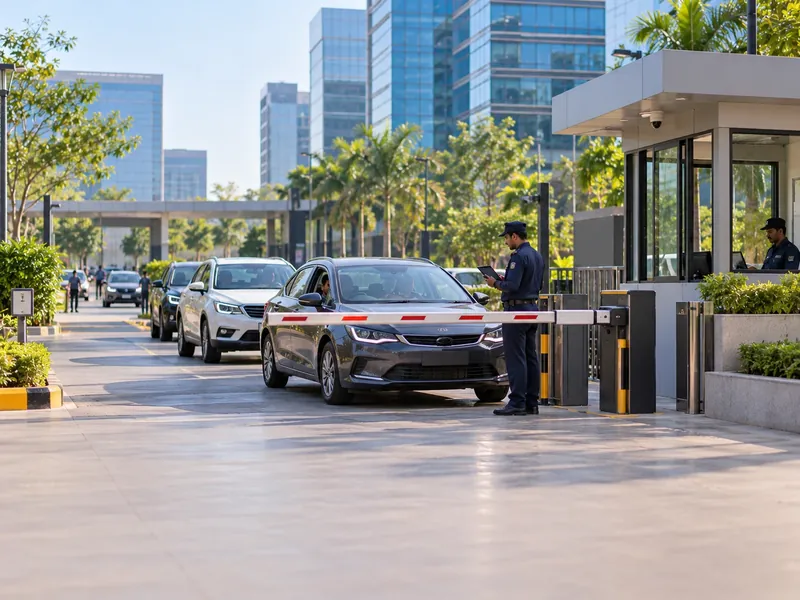
A vehicle gate, several buildings and thousands of daily visitors. For IT park management teams and the companies inside, each gate and reception keeps its own log on one account per company.
One policy across sitesBoard visitors, client delegations and auditors who should never wait at the desk, with meeting rooms booked against the visit and hosts approving from wherever they are.
Visitor passes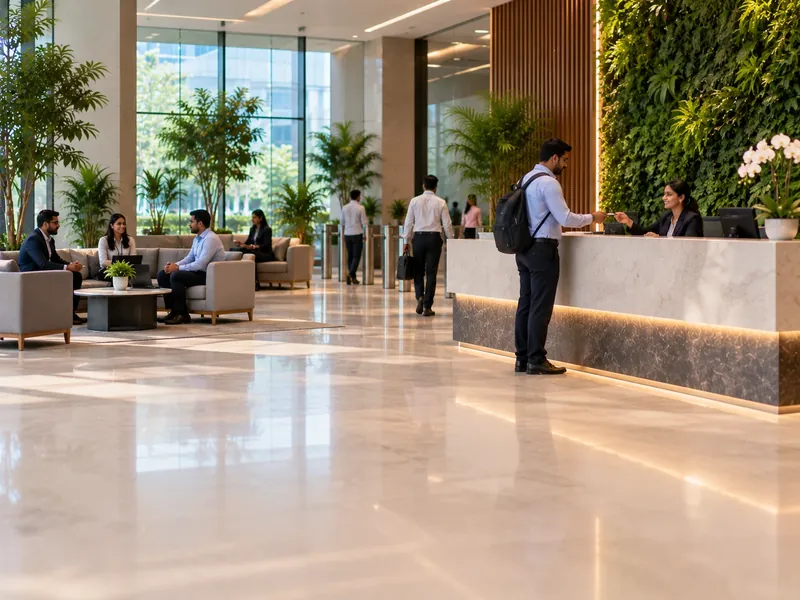
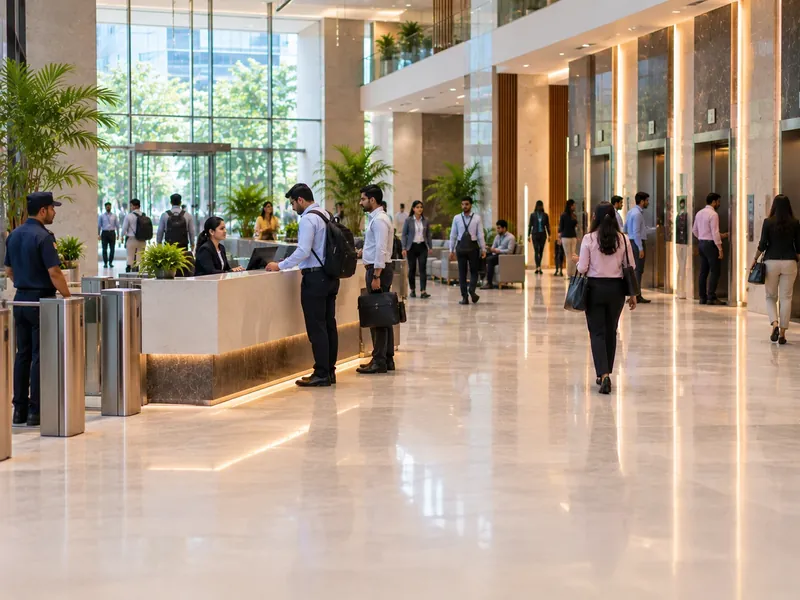
Each tenant company runs its own account, so its visitors, hosts and rooms stay private. Agree with building security how the shared lobby and courier desk will run.
Digital check-inOne receptionist, a compact desk and visitors who still need a record. Branches sit on the same account as head office, each with its own reception and hosts.
Gate management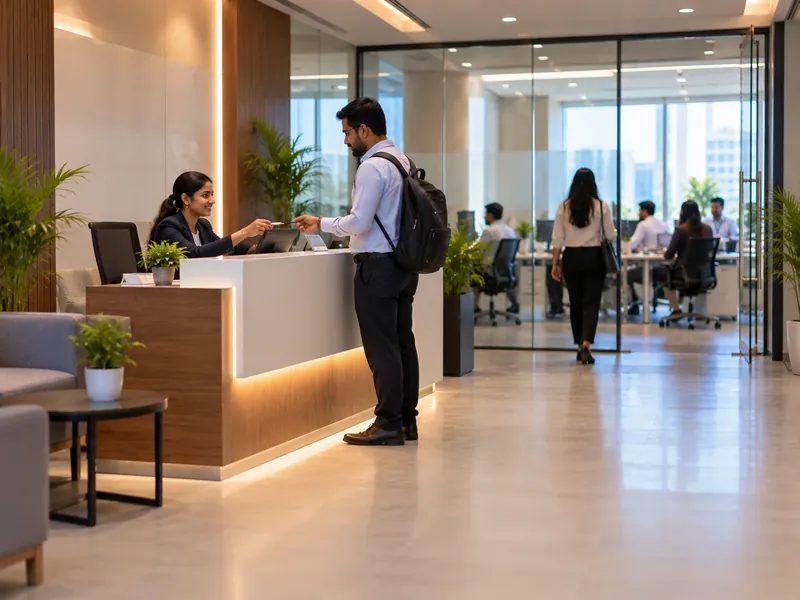
Four situations every office front desk meets, step by step.
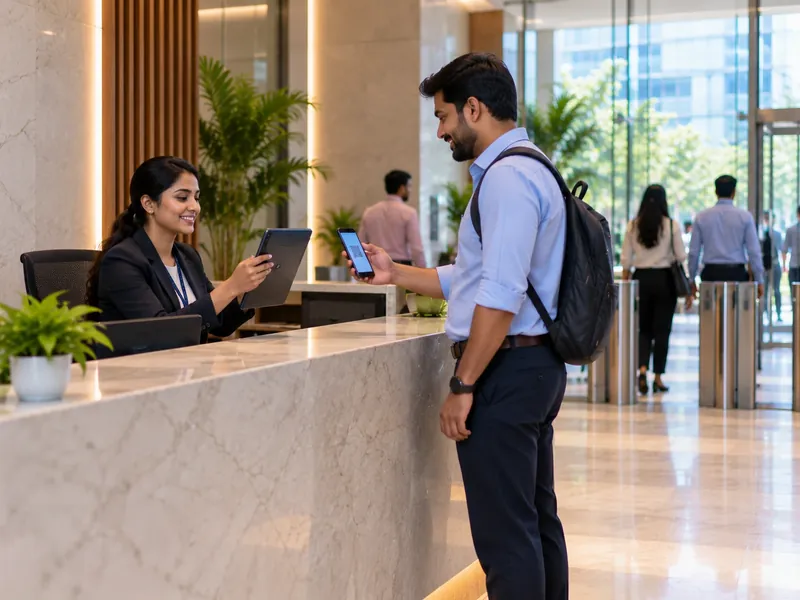
A client visit, booked the day before — on the Basic plan and above.

An unannounced visitor asking for an employee by name.
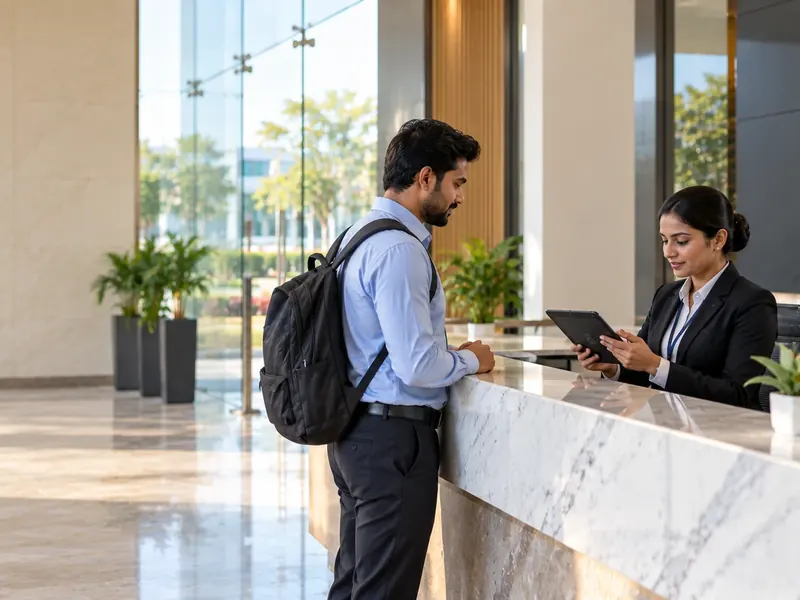
Thirty candidates across a day of interviews.
On the Basic plan and above. It covers everyone checked in at reception — clients, candidates, vendors and guests — and is not a whole-workforce broadcast.
We do not quote percentages we have not measured. During a trial, measure four things: how long visitors wait at reception, visits with no exit scan, meeting-room clashes, and how long a "who was here" question takes to answer.
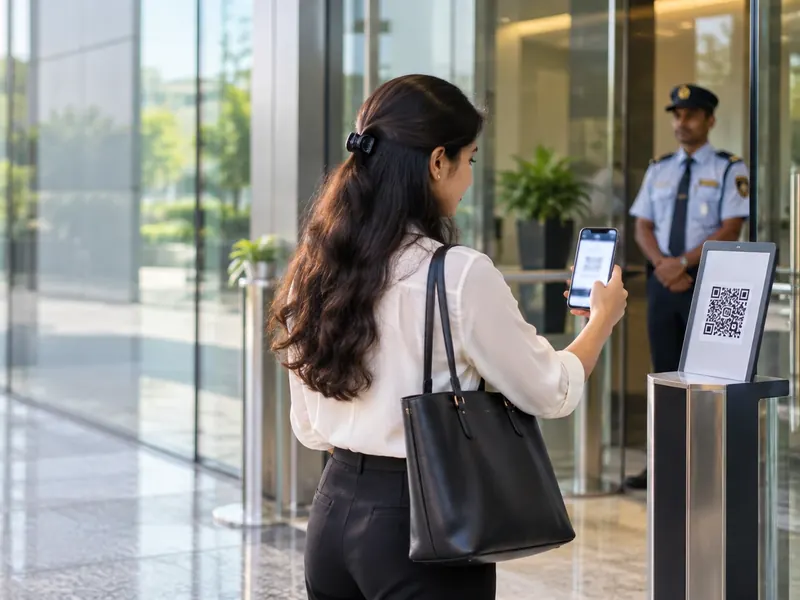
Pre-registered guests, self check-in for walk-ins, and a host told the moment they arrive. For the admin head and facility manager.
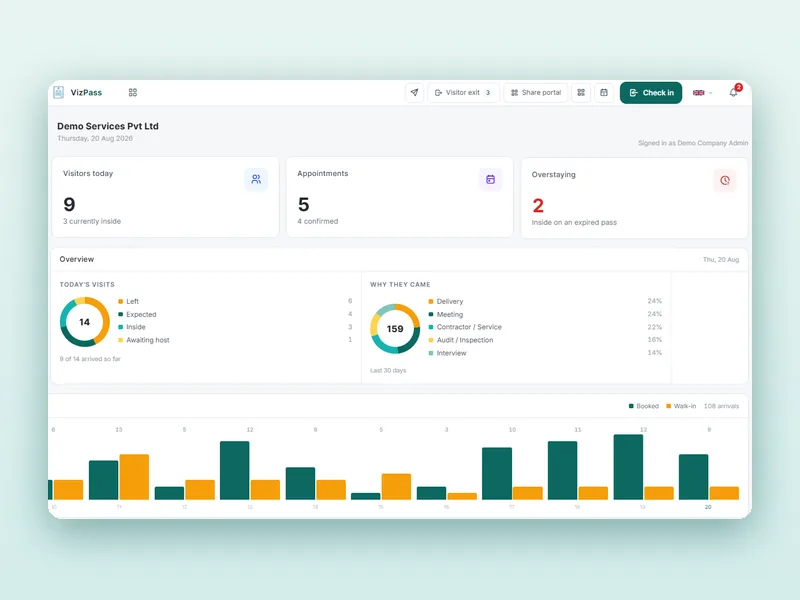
Who came, who approved them, which room they used and when they left — searchable and exportable for any date range. For the security head.
Candidates checked in under their own purpose and interviewers notified on arrival, so hiring drives stop clogging the lobby. For HR.
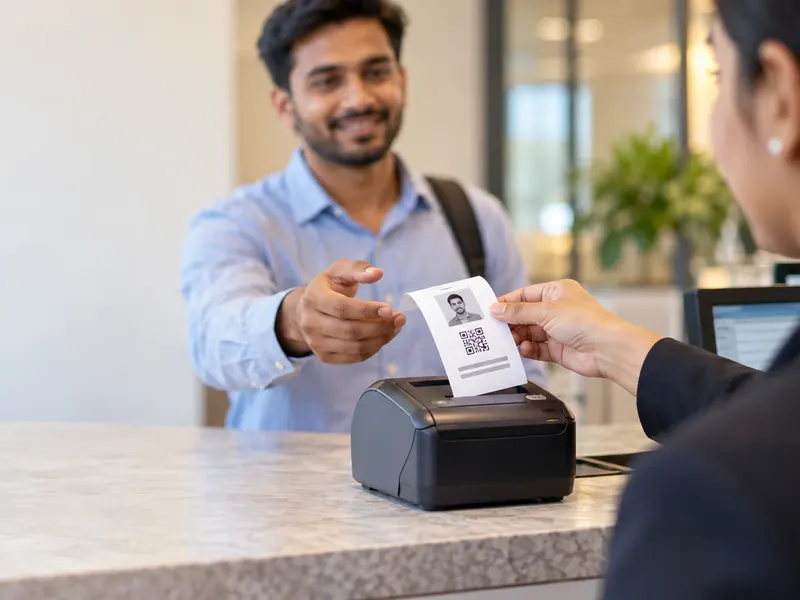
Every pass has a valid-till time and an exit scan, and overstays are flagged, so the evening list of who is inside is the real one. For security and EHS.
| What matters | Paper sign-in sheet | AVizPass |
|---|---|---|
| A client arrives and the host is in a meeting | Reception phones around until someone answers | The host approves on their phone or WhatsApp |
| Thirty interview candidates in a day | Interviewers keep calling reception | Checked in under an Interview purpose; interviewer notified on arrival |
| A meeting room for the visit | Booked on a separate calendar, if at all | Booked with the visit; clashes refused, room on the pass |
| Who visited last Saturday | Pages flipped, handwriting guessed | Filter by date and export |
| Fire drill or evacuation | A sheet nobody signed out of | Live list of visitors inside, ticked off as safe |
| Cost | Register books and reception time | From ₹4,999/month with WhatsApp, meeting rooms and roll call |
A sign-in sheet can hold up at a small office with a few visitors a week. Once clients, candidates and vendors arrive every day and several teams share the meeting rooms, the gap between the sheet and what happened is where poor first impressions and unanswerable incident questions start.
Whichever system you shortlist, check five things in the demo: can the host approve from a phone without an app install, can a meeting room be booked with the visit, can interview traffic be separated from other visitors, how does it handle a building shared with other companies, and does the vendor publish its prices. Where VizPass stands:
VizPass has no shared multi-tenant building mode. In a tower shared by several companies, each tenant company runs its own account, fully isolated from the others, and no single account shows every tenant's visitors together. If the building's security team runs the lobby, agree with them how the shared gate and courier desk will work before going live.
Visitors who register on the reception app or through the self-registration link see your privacy notice and agree to it before their photo and ID are taken, and that agreement is recorded on the pass. That gives you a record of notice and consent. It does not by itself make an office compliant with the DPDP Rules 2025: how long you keep visitor data, who can see it and how you answer requests stay with you and your legal adviser, using guidance such as MeitY's.
Your receptions, hosts, rooms and visitors.
On-site in Delhi NCR, or on video.
Start with the main lobby.
Hosts, rooms and purposes set up.
More receptions and offices, one account.
If employees do not expect the approval request, the first visitors wait at the desk while their host ignores an unfamiliar message.
Keeping a separate room calendar alongside VizPass brings back the double bookings the visit booking was meant to stop.
In a shared tower, decide with building security who runs the lobby desk and the courier shelf before your company goes live.
Start on a normal week, when reception can learn the flow, and let the first recruitment drive follow.
Published pricing
One Flat Price a Month — No Per-User Charges
Prices exclude GST. Start with a free 7-day trial on the Basic plan, no card needed. See what each plan includes →
VizPass logs each parcel in the reception's parcel book and notifies the recipient in the VizPass bell and by email, so packages do not sit unnoticed on the shelf. When the parcel is collected, the desk marks it handed over and notes who took it, so every delivery is time-stamped. Parcels not yet collected stay listed until they are handed over or marked returned. The courier desk is set up on an Enterprise plan rather than one of the four published plans.
It works for any visitor type — contractors, auditors, vendors, senior executives. When a contractor or auditor arrives, the employee they are visiting approves or rejects the entry from their desk, phone or WhatsApp, whichever department they sit in. Every approval is time-stamped, so the record stays complete whoever the visitor is, and each host stays accountable for the people they invited.
VizPass has no shared multi-tenant building mode, so each company in the building runs its own account, fully isolated from the others: one company's vendors never see another's meeting rooms, staff or approvals. Inside one account, desk staff can be limited to their own workplace and hosts see only their own visitors. No single account shows every tenant's visitors together, so agree with building security how the shared gate and courier desk will run.
Candidates are checked in like any other visitor, under an Interview purpose. Expected candidates are pre-registered and get a QR pass by WhatsApp or email; a last-minute candidate is checked in on arrival and the interviewer approves on their phone. An interview room can be booked with the visit and prints on the pass, and reports separate interview traffic from other visitors.
Paper sheets get lost, entries are illegible, and nobody can quickly tell who is still on the premises. With VizPass the host approves from their desk or phone, the decision is time-stamped, and every visit is searchable by date with who arrived, who approved them and when they left. That gives you a dated record to show; meeting your duties under the DPDP Rules stays with you as the data fiduciary.
VizPass is used at offices, IT parks, factories, warehouses and campuses. In every setting it records who came in, who approved them and when they left, and gives an evacuation roll call of everyone checked in. It does not replace your safety procedures or certify compliance with any standard; it gives you the visitor record those procedures and inspections ask for. Factory and warehouse gates also use material passes, on the Gate Control plan.
Yes, on the Basic plan and above. When the host books the visit, they can reserve a meeting room with it, and the booking goes into the room diary. A clashing booking is refused with the meeting that already holds the room named, and the room number prints on the visitor's pass, so reception can send the guest straight to the right door. Cancelling the visit releases the room.
Yes, on the Basic plan and above. When a visitor checks in, the employee they are visiting gets the request and can approve or decline on WhatsApp, in the VizPass app or from a link, without an app install for the link. Every decision is time-stamped against the visit. The Single Gate plan is a plain register without WhatsApp approval.
Yes. A company with offices in several cities runs them on one account, each office with its own receptions and hosts, while the visitor register and the roll-call view stay common. Staff can be limited to their own office. This is different from a shared building, where each separate company runs its own account.
When an evacuation is raised, VizPass alerts every visitor inside, their hosts and the security team, and runs a mark-safe roll call of everyone checked in at reception — clients, candidates, vendors and guests. Because entries and exits are timestamped as they happen, the list reflects who is actually inside. It does not cover every employee, so floor wardens still count their own teams. It is on the Basic plan and above.
Plans are a flat monthly price per company with no per-user charges, GST extra: ₹1,499 Single Gate (a plain register for one gate), ₹4,999 Basic, ₹9,999 Front Desk and ₹14,999 Gate Control, with a 7-day free trial on the Basic plan. WhatsApp approval, meeting rooms and roll call start on Basic; the courier desk is on an Enterprise plan. No hardware purchase is needed.
Use the form at the end of this page, the demo button at the top, or WhatsApp. Tell us your type of office and what you want to solve first, and we call within one working day. The demo runs on-site across Delhi NCR, or on a video call pointed at your live reception anywhere in India, and covers the workflows your office needs.
Further reading
Discuss Your Office's Visitor and Front Desk Requirements
Tell us about your office and what you want to solve first. We call within one working day and show the workflows that matter to you — on-site across Delhi NCR, or on a video call at your reception anywhere in India.
Free for 7 days. Add a gate, invite your hosts, and check your first visitor in this afternoon.