
Know Who Is Inside During an Evacuation
VizPass keeps a live list of the visitors and contractors on site, so during an evacuation one press alerts them, their hosts and the gate team, logs every delivery attempt and runs a roll call, at one site or across several.
When an evacuation alarm sounds, the biggest fear for an admin, HR manager or security chief is not whether the building is on fire, but whether every employee, contractor, visitor and delivery person is accounted for. Without a real‑time, centralized view, teams waste precious minutes confirming headcounts, and compliance reports become a scramble after the fact.
Live On‑Site List Eliminates Guesswork
A static printout from the morning register quickly becomes obsolete the moment a delivery arrives or a contract worker checks in. VizPass keeps a live on‑site list that updates the second a person is registered at the gate, whether through a QR‑code scan or manual entry.
- Instantly see who is inside any plant, warehouse or office campus.
- Filter by workplace, with its areas, and by gate to see each part of the site.
- Access the list from any device, so the safety officer on the floor and the HR manager in the office see the same data.
The live list works across multiple sites, so a corporate security head can monitor a network of factories from a single dashboard without having to compile separate spreadsheets.
One-Press Alert Reaches Visitors, Hosts and the Gate
During an evacuation, every second counts. With one button and a confirm, a Security Head or Company Admin raises an alert that reaches every visitor checked in, contractors and delivery drivers included, their hosts and the gate team, by bell, email, WhatsApp and push.
- No list to maintain: the register decides who is alerted. Employees who are not hosts or gate staff are not.
- The alert can carry your own instruction, such as which gate or assembly point to use.
- Automatic timestamps create an audit trail for later review.
The delivery log answers “who got the message?”, and everyone checked in at the gate, from the contract labourer on the shop floor to the client on a tour, is sent the same instruction.
Delivery Log Shows Who Was Reached
Sending an alert is not the same as reaching someone. VizPass keeps a delivery log of every attempt to reach each visitor, host and gate team member, marked sent, failed or skipped, with the reason.
- Check, person by person, whether each alert was sent, failed or skipped.
- Spot anyone the alert could not reach — no email on file, no WhatsApp set up — and go and find them.
- Export the log for compliance reviews or for the factory safety officer to hand over to DGFASLI auditors.
Because the alert is built from the live on-site list, a driver checked in at the gate is alerted and appears in the log like everyone else inside.
Roll Call Marks People as Accounted For
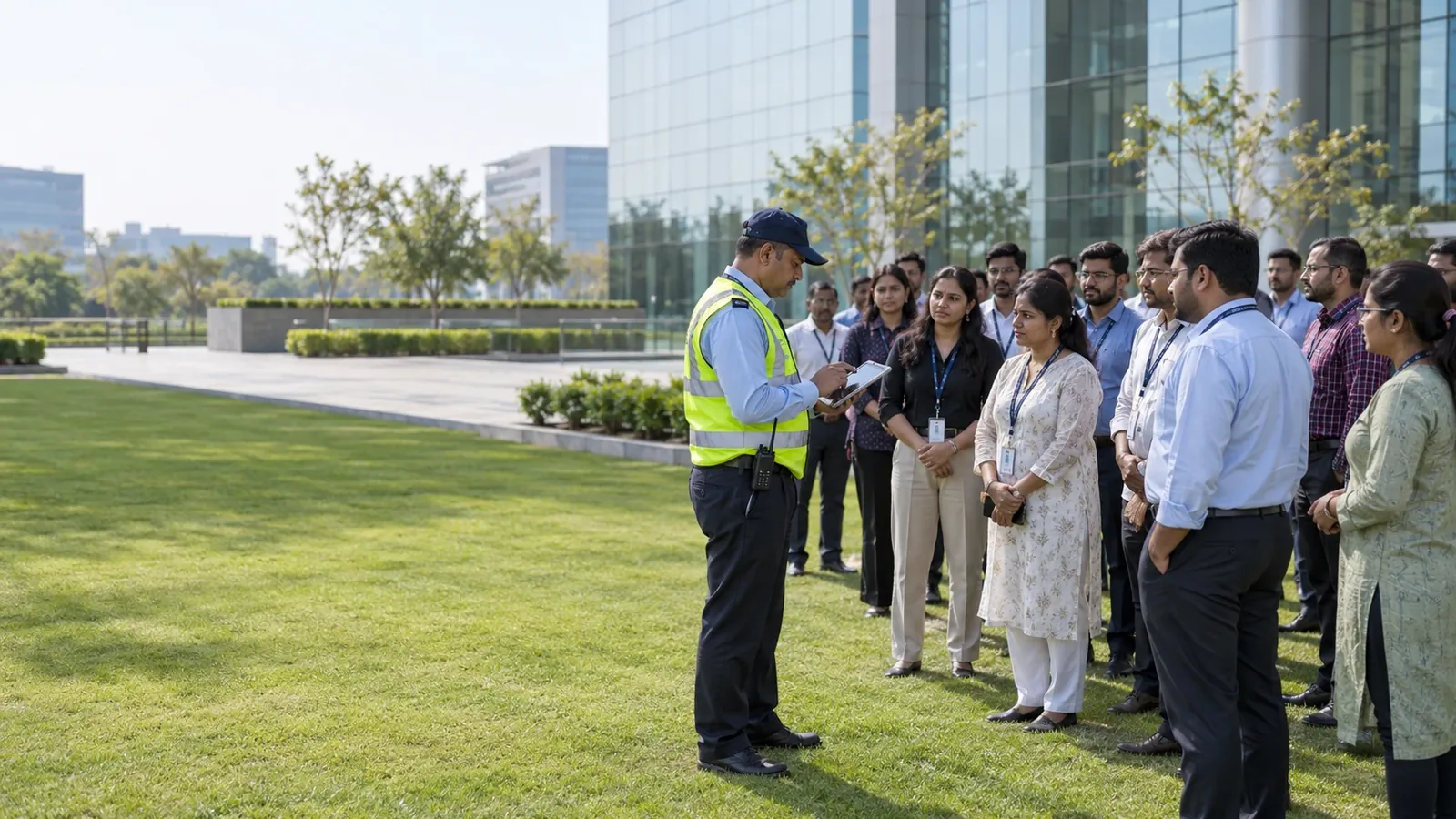
After the alarm, the safety team performs a roll call directly in VizPass. Everyone who was alerted is listed, each name can be tapped to mark them safe, and a count shows how many are safe out of the total.
- Reduces manual tally errors that can arise when paper sheets are passed around a crowded assembly point.
- Highlights missing individuals instantly, allowing the response team to focus rescue efforts.
- Runs on a phone at the assembly point as well as on the desk screen.
The roll‑call feature works whether you have a single plant or a dispersed campus, giving a uniform process for every location.
All‑Clear Closes the Event with a Record
When the situation is safe, the all‑clear button finalises the evacuation record. VizPass sends the all-clear to everyone who was alerted, timestamps the closure and keeps the event in its history, with:
- When it was raised and for which site, every delivery attempt with its result, and when the all-clear went out.
- A delivery log you can export as CSV or print for your own incident report.
This record keeps the alert and its reach in one place, so they do not have to be pieced together from emails afterwards.
By combining a live on-site list, one-press alerts, a delivery log for every alert, digital roll-call and an all-clear, VizPass turns a chaotic emergency into a coordinated response. For administrators who look after several Indian facilities—whether a textile mill in Gujarat or a tech park in Bengaluru—this gives one way of working at every site and a record of each alert to show safety auditors.
Explore the full set of capabilities on the features page, see the flat monthly plans on the pricing page, or read real-world scenarios in the use-cases section. If you need a walkthrough tailored to your organization, feel free to contact us.
Know Who Is Inside During an Evacuation FAQs
How Do I Make Sure Every Contractor and Delivery Person Gets the Evacuation Alert, Not Just Employees?
Check contractors and delivery drivers in at the gate like any other visitor, so they are on the live on-site list. One press then alerts every visitor inside, their hosts and the gate team by bell, email, WhatsApp and push, whichever way each person was checked in. Employees who are not hosts or gate staff are not alerted, so keep your siren and PA system for the wider workforce. The delivery log records every attempt — sent, failed or skipped, and why — so you can see who could not be reached and go and find them. Anyone who walked in without being checked in is not on the list, which is why every entry should go through the gate.
What Happens If Someone Doesn't Respond to the Evacuation Alert?
VizPass doesn't automatically mark someone as safe—that's your safety team's job. When you sound the alarm, the delivery log shows who was reached and when the alert was sent, but staff must physically account for people during roll call. The roll call lets your safety officer mark each person safe at the muster point as they arrive; anyone not marked stays on the not-yet-safe list. This creates a real record: who received the alert, who was reached, and who physically responded. Once everyone is accounted for, you send the all-clear, which closes the evacuation and goes to everyone who was alerted. If someone doesn't respond to the alert or isn't at the muster point, that gap becomes visible immediately, so your team knows exactly who to search for or contact.
Can I Run a Drill Without Disrupting Work If Only Part of My Facility Needs to Evacuate?
Yes, by workplace. A Security Head or Company Admin can raise the evacuation for the whole company or for one workplace with its areas, so a drill in one plant or building leaves the other workplaces alone. A visit is tagged to a site, area or sub-location, and the alert follows that tag; there is no targeting by role, zone clearance or department, and a visit with no workplace recorded is included in every evacuation. Within that workplace, every visitor inside, their hosts and the gate team are alerted, the delivery log records every attempt, the roll call works the same way, and the all-clear goes to everyone who was alerted. Each evacuation stays in the history with its site and its delivery log.
How Do I Prove to an Auditor or Regulator That Everyone Was Evacuated and Accounted For?
VizPass keeps each evacuation in its history: when it was raised and for which site, who was alerted, and the delivery log of every attempt — sent, failed or skipped, and why — which you can export as CSV or print. The roll call is marked on the same screen while the evacuation is open, and the all-clear goes to everyone who was alerted. When an auditor asks how an evacuation was handled, you can show who was inside and alerted, whether each alert went through, and that the all-clear was sent; keep the roll-call result with your own incident report. VizPass records the event; it does not certify your evacuation procedure.
If Someone Enters the Facility After the Evacuation Alarm Sounds, Does the System Still Track Them?
Partly. The live on-site list keeps updating during an evacuation, so a delivery driver or contractor checked in at the gate after the alarm appears on it with their check-in time. They are not added to the roll call or sent the alert, because both are built from who was inside when the evacuation was raised, so the gate should hold new entries and tell the safety officer about anyone who arrives. Compare the on-site list with the roll call before you send the all-clear. For sites governed by factory safety rules, check DGFASLI guidelines on evacuation procedures to confirm how new arrivals should be handled in your jurisdiction.
Can VizPass Integrate with Our Existing Access Control or HR System, or Do We Have to Re-Enter Visitor and Employee Data?
VizPass does not connect to access control, badge readers or turnstiles, and it has no public API. Visitors and contractors are captured once at the gate — by QR pass, the gate app or the desk — and that entry feeds the live on-site list, so nothing is typed twice. Records leave VizPass as CSV exports and .ics calendar files. Staff attendance from eSSL or ZKTeco biometric devices is a separate Attendance module on the HR plans, priced on request, and it does not feed the evacuation alert. See the features page, or contact our team about your setup. The evacuation itself — the alert, the delivery log and the roll call — is recorded in VizPass, so it sits in one place even if your access control and HR systems run separately.
Further reading
- Emergency evacuation — Wikipedia
- National Disaster Management Authority — Government of India