
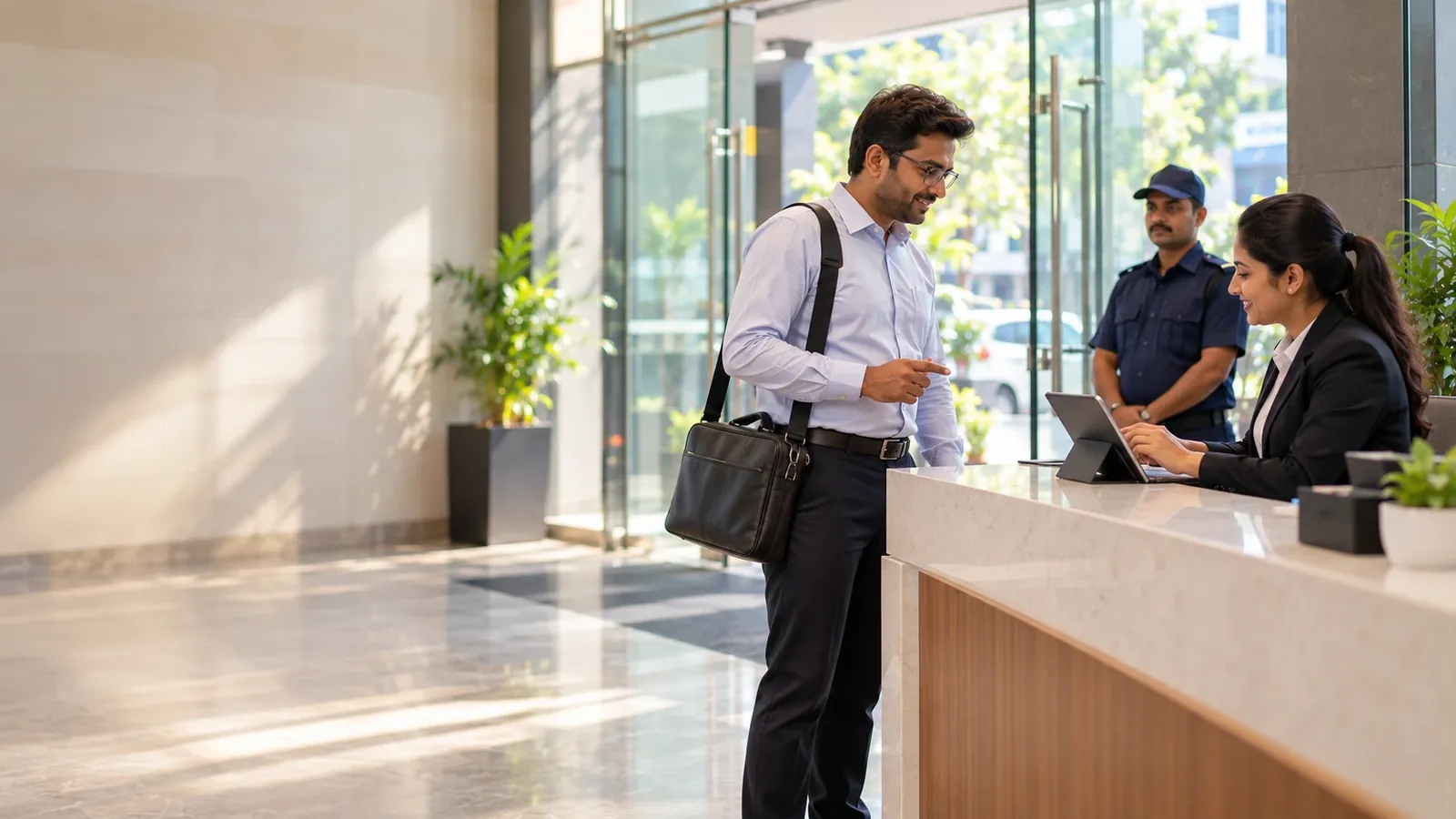
Walk-In Visitors — Register a Stranger at the Gate in One Pass
VizPass streamlines walk-in visitor management by automating gate registration—the guard captures essential details and photo ID, the host approves via WhatsApp or email, and repeat visitors are instantly recognized by phone number, eliminating paper forms and creating a tamper-proof audit trail.
Walk‑in strangers at the gate create a security blind spot: the guard must collect basic details, verify identity, and obtain the host’s consent before letting anyone inside, all while keeping a tamper‑proof record. Without a single, repeatable workflow, the process drags, errors creep in, and audit trails become fragmented. VizPass solves this by turning a chaotic “who’s that?” moment into a single, documented pass.
One‑Step Capture at the Desk
The guard does not need a stack of forms or a separate device. As soon as a walk‑in arrives, the system prompts the guard to enter the visitor’s name, phone number, company and the person they are meeting. A quick photo and a scan of any ID complete the record.
- All essential data captured – name, mobile, organization, host name.
- Photo + ID stored alongside the entry, satisfying on‑site verification.
- No paper slips – the data lives in the VizPass cloud, instantly available for review.
Immediate Host Approval, No Bottlenecks
Once the guard saves the entry, the host receives a real‑time notification on WhatsApp or via email. The host can approve or reject the visit with a single tap, and the decision is logged before the door opens.
- Instant decision – the visitor cannot enter until the host records a response.
- Multiple channels – WhatsApp for quick mobile replies, email for formal approvals.
- Decision tied to a name – every entry has a clear “approved” or “rejected” flag, eliminating guesswork.
Repeat Visitor Acceleration
If the same person returns, VizPass recognises them by the phone number they used previously. The guard sees the earlier record pre‑filled, only needing to confirm any changed details.
- Phone‑number matching automatically pulls the prior visit.
- Reduced data entry – the guard updates a few fields instead of re‑typing everything.
- Consistent audit trail – the new visit links to the historic record, simplifying compliance checks.
Immutable Audit Trail – Every Decision Recorded
Security, HR and audit teams require proof that each entry was authorised. VizPass writes the guard’s capture, the host’s approval/rejection, and the timestamp into a tamper‑evident log. This satisfies internal policies and external regulations such as the personal‑data handling guidelines from the Ministry of Electronics & IT.
- Decision‑level logging – no visitor is admitted without a recorded approval.
- Chronological view – administrators can filter by date, host, or company to see exactly who entered when.
- Export‑ready – logs can be downloaded for audits, legal reviews, or insurance purposes.
Limits and Next Steps
VizPass focuses on the walk‑in registration flow; it does not replace pre‑registration, OTP verification, or watch‑list matching, which are covered in other modules of the platform. Contractors are registered through this same flow; there is no separate contractor onboarding module. If your campus also needs courier handling or emergency evacuation alerts, explore the broader suite on the /features page. For pricing details tailored to multiple plants or contract‑labour scenarios, see /pricing. To understand how VizPass fits into manufacturing, warehousing or office campuses across India, visit /industries.
- Separate pre‑registration – invite‑before‑arrival is a distinct workflow.
- No built‑in OTP – phone verification is handled elsewhere in the system.
- Watch‑list alerts – available as a dedicated feature, not part of the walk‑in pass.
When you need a reliable, single‑pass solution for strangers at the gate, VizPass delivers the data capture, host approval and immutable record that keep your site secure and your audit team happy. For a live demonstration, book a walkthrough through /contact.
Walk-In Visitors — Register a Stranger at the Gate in One Pass FAQs
Can a Security Guard Register an Unknown Visitor Without Making Them Wait for Pre-Approval Forms?
Yes. The guard captures the visitor's name, phone number, company and host name directly into VizPass at the desk, then takes a photo and scans their ID—all in one pass with no separate paperwork. The host receives an approval request instantly on WhatsApp or email, so the decision comes back in minutes rather than hours. Until the host approves or denies, nothing is recorded as admitted; the system enforces that every entry has a documented decision attached to it. This keeps the gate moving while maintaining a complete audit trail of who was asked for entry and who authorised it.
How Do We Stop the Same Contractor or Delivery Person Coming Back and Being Registered as a "Stranger" Every Single Time?
VizPass recognises repeat visitors by their phone number and pre-fills their name, company and other details the moment the guard enters it. The guard still captures a fresh photo and confirms the host, but the data entry burden drops to almost nothing on subsequent visits. This works whether the person visits weekly or once a month—the system retrieves their last record and speeds up the registration. You avoid duplicate entries and the security risk of treating a known regular as an unknown risk each time.
What Happens If a Host Doesn't Respond to the WhatsApp or Email Approval Request?
The visitor remains in a pending state—they are not admitted until the host makes an active decision. VizPass keeps the request visible to the host on WhatsApp or email, and the guard can see the status at the desk. If the host doesn't respond within your office window, the guard and host can follow your own escalation process (calling the host directly, checking with reception, etc.), but the system itself enforces that no entry is recorded without explicit consent. This removes ambiguity: you always know whether someone was approved, rejected or is still waiting.
Do We Need to Worry About Complying with Data-Protection Rules When We Capture Visitor Photos and ID Details?
You should refer to MEITY's guidelines on personal data handling and your own internal data-protection policy to ensure compliance with Indian regulations. VizPass stores the photo and ID details in the cloud so they are not scattered across paper slips or lost devices, which actually reduces the risk of data being mishandled. The system creates a single, auditable record that you can show to compliance teams. However, your organisation remains responsible for setting the retention period, access controls and deletion schedules—VizPass provides the mechanism to capture and store securely, but you define the governance rules around how long data is kept and who can see it.
If Someone Arrives Without ID, Can We Still Register Them as a Walk-In Visitor?
The guard can still capture their name, phone number, company and host into the system and take a photo, but VizPass prompts for ID as part of the standard entry process. Whether you allow entry without ID is your own security decision—some sites require it, others do not. The key is that whatever you decide, VizPass records it: the ID field shows blank, the photo is on file, and the host's approval is attached to that specific entry. This way, you have a documented reason for admitting or refusing someone, and your audit trail reflects what actually happened rather than hiding gaps. You can review use-cases across different facility types to see how others handle borderline scenarios.
Does VizPass Work the Same Way for Factory Floor Visitors as It Does for Office Receptionists?
The registration flow is identical—guard enters name, phone, company and host; photo and ID are captured; host approves on WhatsApp or email. However, factory and warehouse sites often have additional safety or compliance rules (such as induction requirements or PPE checks) that sit alongside visitor registration. VizPass handles the gate-entry step consistently, but you may need to add your own safety workflows after approval. For specific guidance on factory visitor safety, you can consult DGFASLI's regulations. If you want to see how VizPass fits into factory and warehouse operations, explore our industry focus or book a walkthrough with someone familiar with your site type.
Further reading
- Visitor management — Wikipedia
- What is access control? — IBM