
Every Visitor Expected.
Every Entry Accounted For.
Book a Visitor Appointment and The Host Knows Before Anyone Arrives. Check Them in With a Photo and An ID, Hand Them a GatePass, and The Register Answers the Question that Matters in An Emergency: Who is On This Site Right Now. Couriers, Material and Staff Gate Out Pass are On the Same Digital Register.
Companies already running their gates on VizPass










Same Gate. Two Very Different Mornings
The Way It Runs Today
- ×A paper book at the gate — names nobody can read, and no photo against any of them
- ×The guard phones around to find the host while the visitor waits in reception
- ×Half the entries have no exit, so the count on the page is wrong by lunchtime
- ×Couriers pile up on the reception desk until somebody recognises a name
- ×Material leaves on a signature in a diary, and the challan is found later or never
- ×Nobody can answer “who is inside right now?” — which is the one question a drill asks
The Way It Runs on VizPass
- ✓The visit is booked before arrival; the host knows who is coming and when
- ✓Check-in captures the ID and the face, and issues a numbered pass in seconds
- ✓“On site now” is derived from check-ins and check-outs — never typed, never stale
- ✓Couriers are logged to a named recipient, with proof of handover
- ✓Nothing leaves the gate without an approval, and returnable material is chased
- ✓Any day, any register, exported to CSV in one click — it is your data
What People Come to VizPass to Fix
All use casesFrom the Gate to the Register, in Three Moves
Expect Them
Book the visit, or send an invite link and let the visitor fill in their own details before they travel.
Check Them In
Capture the ID and a photo at the gate, issue a numbered pass, and the host is told the moment it happens.
Check Them Out
The pass closes when they leave. Until it does they are counted as present — which is what makes the register worth trusting.
What Actually Happens in Your First Afternoon
No consultant, no implementation fee, no six-week project plan. This is the whole thing, in order.
Create the Company
Name, timezone and your working week. Then add your sites and their gates — a site with two entrances wants two gates, because a visit is recorded against the gate it happened at.
Fill in the Gate Lists
Why people visit, what ID you accept, the badge numbers you hand out. These are the columns your register is read by later, so they are worth ten minutes now.
Bring Your Hosts In
Import the staff list or add them by hand. A host needs a name, an email and a phone — that is how they are told somebody has arrived for them.
Put Somebody on the Gate
Give the guard the Security Guard role and the front desk Receptionist. A guard gets the gate and nothing else — no staff records, no settings.
Run One Visit End to End
Book a real visit, open the invite yourself, check them in at the gate and check them out again. That is the system live.
Switch on the Rest as You Need It
Couriers, material in and out, exit passes and attendance are each a switch. Start with the front desk and add the others once the gate is running.
Stuck at any step? A human replies — but the point is that you should not need one.
Everything That Crosses Your Gate, on One Register
Who Is on Site, Right Now
Derived from check-ins and check-outs, never typed and never stale. It is the list somebody reads out during an evacuation — so a visitor still inside on an expired pass is flagged in red, not buried.
How it works →A Pass with a Photo and an ID
Capture the face and the document at check-in, issue a numbered pass, and keep both against the visit. A returning visitor is recognised, not retyped.
See the register →Couriers That Reach Their Owner
Every parcel logged in and out, with proof of handover.
Material in and Out
Items, vehicle and challan on the way in; an approval before anything leaves.
Staff Stepping Out
An out gate pass with a reason, an approval and a recorded return.
Attendance, If You Want It
Punches, shifts and overtime for the people behind the gate.
WhatsApp-Native. 10 Languages.
The host hears about their visitor where they already look; every screen reads in the language your team picks.
A Register You Can Defend to Anyone
Because every entry and exit is captured as it happens — not reconstructed afterwards from a book — the count is defensible: who is inside, who let them in, what they brought, and when they left.
- A live on-site count, derived from the register rather than typed
- Every pass carries the photo and the ID that was checked
- Material and couriers on the same register as the people
- An immutable audit trail behind every approval


Sound Familiar?
The Register Is a Paper Book
Names nobody can read, No photo, No ID, and no way to answer "who is inside?" without turning pages at the Gate.
The Host Finds Out on Arrival
The Guard rings a desk phone, Somebody walks down, and the Visitor waits in Reception while it gets sorted.
Nobody Checks Anyone Out
Half the book is check-ins with no matching exit, so the site count is wrong by the afternoon and useless in a drill.
If two of the three sound familiar, the trial will pay for itself in the first week. Free 7-day trial →
In their words
What the Gate Actually Changed
“VizPass has made our front desk operations much more organised. Visitor check-ins, courier entries and gate approvals are now handled digitally, which saves time and improves accountability.”
Gagan Mathur
 OM Sweets
“VizPass gives our operations team better control over daily gate activity. Material movement, employee exits and reports are now easier to track, approve and review.”
Sandeep Garg
Karan Latex Ltd
“VizPass made our front desk faster and more organised. Visitor check-ins, courier entries and approvals are now handled without paper registers.”
Harman S
Admin Head, Ferozepur College of Engineering
“The platform feels simple for reception staff and professional for guests. Pre-registration and instant host alerts have improved our daily visitor flow.”
Rekha Y
Operation Head, Orchid Petal Ltd
“QR check-ins and OTP verification made guest entry smooth and contactless. Our teams receive notifications on time, without follow-up calls.”
Nitish T
Operation Head, HRIT University
“We have much better control at the gate now. Our security team can verify visitors, track movement and maintain accurate digital records.”
Gaurav S
Facility Manager, MMMIPCollege of Pharmacy
“VizPass gives us clear reports for visitors, couriers and gate activity. It saves admin time and helps management review data quickly.”
Harish G
Plant Head, HPL Ltd
“VizPass has made our front desk operations much more organised. Visitor check-ins, courier entries and gate approvals are now handled digitally, which saves time and improves accountability.”
Gagan Mathur
OM Sweets
“VizPass gives our operations team better control over daily gate activity. Material movement, employee exits and reports are now easier to track, approve and review.”
Sandeep Garg
Karan Latex Ltd
“VizPass made our front desk faster and more organised. Visitor check-ins, courier entries and approvals are now handled without paper registers.”
Harman S
Admin Head, Ferozepur College of Engineering
“The platform feels simple for reception staff and professional for guests. Pre-registration and instant host alerts have improved our daily visitor flow.”
Rekha Y
Operation Head, Orchid Petal Ltd
“QR check-ins and OTP verification made guest entry smooth and contactless. Our teams receive notifications on time, without follow-up calls.”
Nitish T
Operation Head, HRIT University
“We have much better control at the gate now. Our security team can verify visitors, track movement and maintain accurate digital records.”
Gaurav S
Facility Manager, MMMIPCollege of Pharmacy
“VizPass gives us clear reports for visitors, couriers and gate activity. It saves admin time and helps management review data quickly.”
Harish G
Plant Head, HPL Ltd
One Flat Monthly Price, Set by the Plan You Choose.
No implementation fee. No setup charge. Cancel whenever you like and take your data with you.
From the Gate, in Writing
How gates actually run — registers, contractors, evacuations and the paperwork in between.
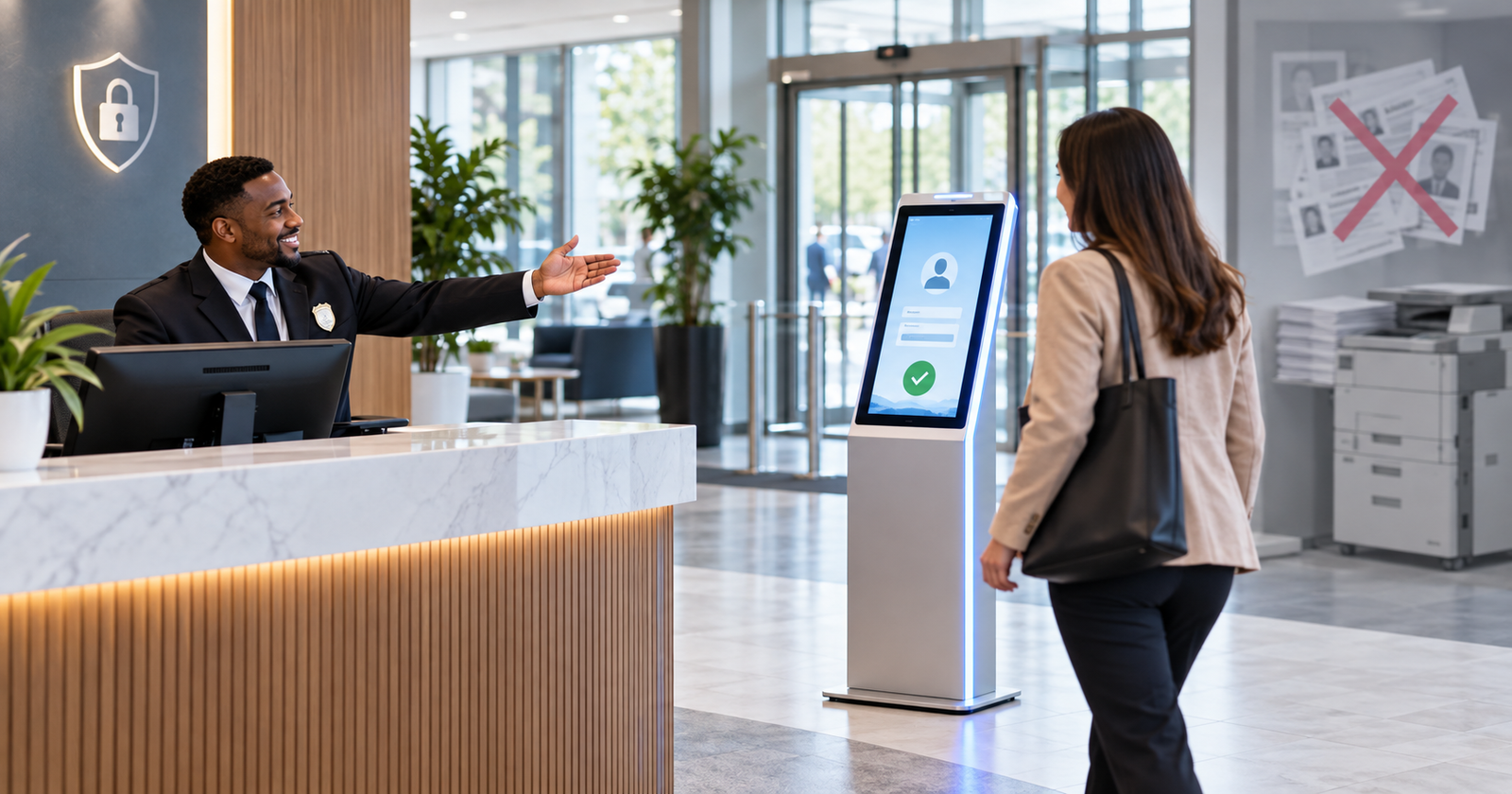
DPDP Act Visitor Management: Why ID Photocopies Became a Liability
India's DPDP Rules 2025 turn stacks of photocopied visitor ID cards into discoverable, penalisable data with a complianc...
Read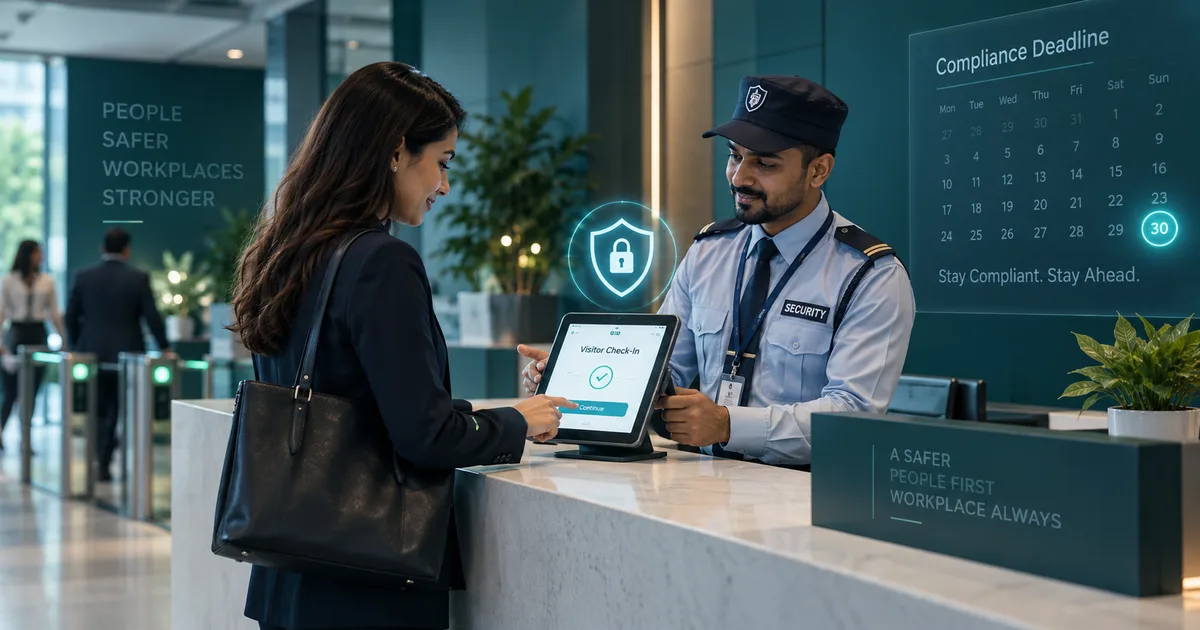
DPDP Rules 2025: The 18-Month Countdown for Anyone with a Visitor Register
The DPDP Rules 2025, notified on 13 November 2025, give organisations until 13 May 2027 to fix how personal data is coll...
Read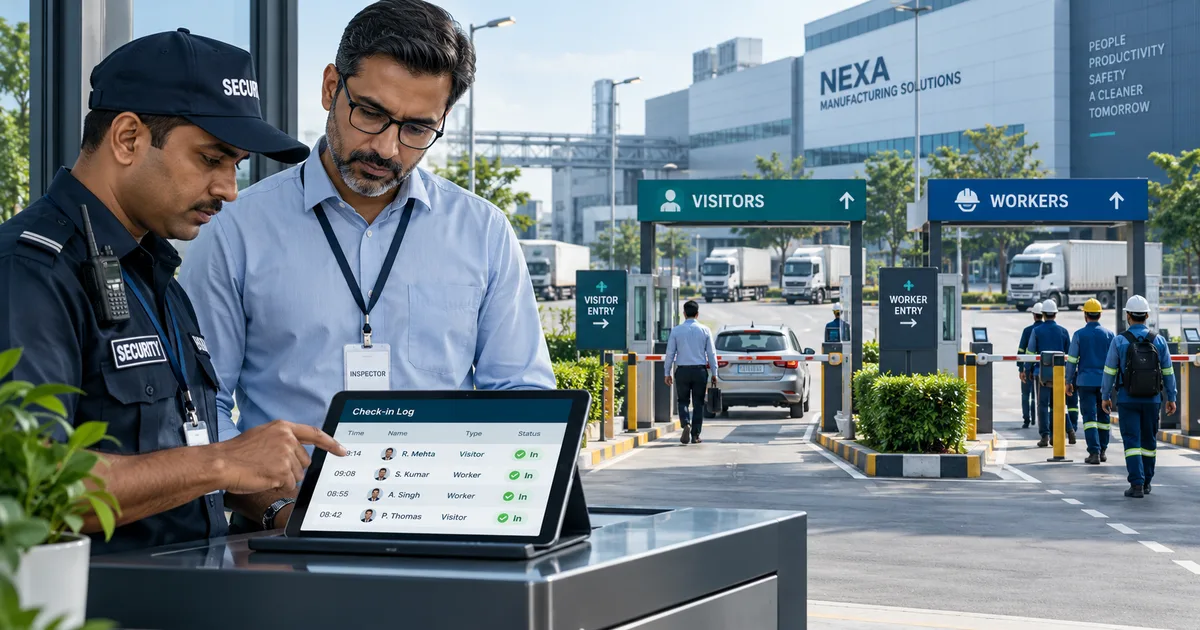
What a Factories Act Inspection Asks About Your Gate
A Factories Act inspection often starts and ends at the gate, where registers, gate passes and shift timings reveal how...
ReadBuilt to Be Trusted
Tenant Isolation
Your Data is Scoped to Your Company at The Database Layer, Verified by Automated Tests on Every Release.
Immutable Audit Trail
Who Approved What, and When. A Register Entry is Reversed with a Reason, Never Edited or Deleted, So The History Stays Honest.
Your Data, Always Yours
One Click Downloads Every Record as CSVs — Visitors, Passes, Couriers, Material and The Audit Trail. No Lock-In, Ever.
All of it runs as a cloud-based Visitor Management System hosted in India — nothing to install on a server at your site.
The Questions Owners Actually Ask
What Happens If Somebody Forgets to Check a Visitor Out?
They stay counted as present, and once their pass expires they show as overstaying — so the count corrects itself and the host is chased, instead of the register quietly lying.
Do I Need Someone Technical to Set This Up?
No. There is no server to install and no configuration project. If you can fill a form you can add your gates, invite your hosts and check the first visitor in the same afternoon.
Does It Work on More than One Gate, or More than One Site?
Yes. Every visit is recorded against the gate it happened at, sites keep their own gates and passes, and company-wide rules — visitor types, approvals, the watchlist — apply everywhere at once.
Will It Work for the Guard on the Gate?
It runs in the browser on a basic Android, and installs to the home screen like an app in two taps. Big buttons, one flow, and the guard's language.
What Happens to My Data If I Leave?
You export every record to CSV whenever you want, including after you cancel, during the wind-down window. No lock-in and no exit fee.
Do We Have to Take the Whole Thing?
No. Start with the visitor register alone; material, exit passes and attendance are modules you switch on when you want them — and stop paying for when you do not.