
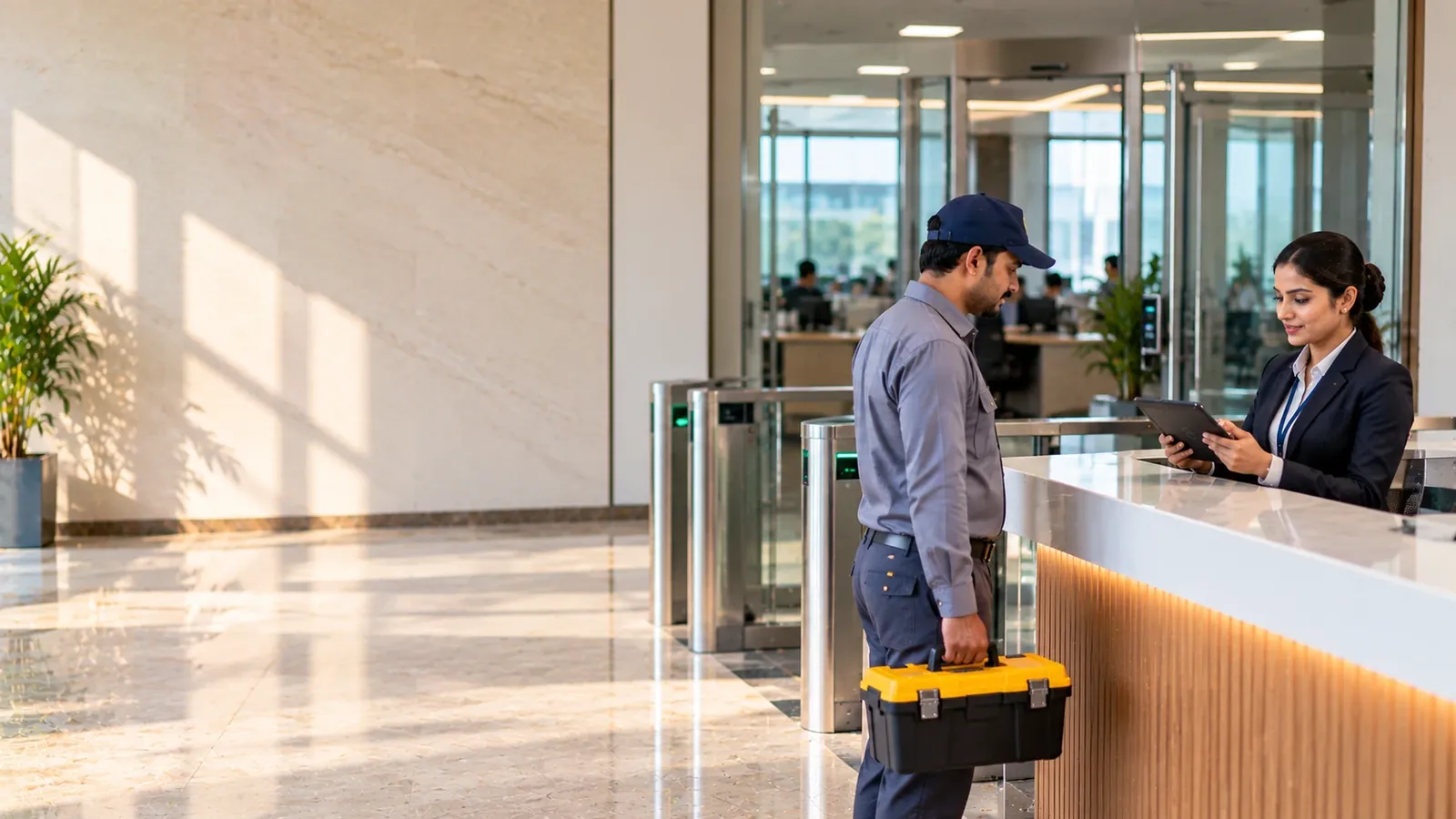
Visitor Management for Banks and Financial Offices
VizPass provides secure visitor management specifically designed for banks and financial offices, featuring photo and ID capture, host-driven approval workflows, and centralized multi-branch control to ensure every visitor is verified, approved and auditable for compliance.
Banks and financial offices handle sensitive data every day, yet the simple act of letting a visitor through the front door can become a security blind‑spot. VizPass turns that blind-spot into a controlled, auditable process at the front door, ensuring every visitor who comes in is verified, approved and recorded.
Photo and ID Capture for Every Entry
Every visitor’s face and government‑issued ID are captured the moment they check‑in. This visual record deters impersonation and gives you a reliable source for investigations or compliance audits.
- The guard takes the visitor's photo on a phone, tablet or kiosk.
- The guard photographs a PAN, Aadhar or passport, and VizPass reads the ID number and name into the form for the guard to check.
- Photo and ID are stored together, making it easy to retrieve the exact image linked to a visit.
Host-Driven Approval Before Check-In
With host approval switched on, a visitor waits in the lobby until the employee they came to see gives explicit permission, or the desk approves the visit itself. VizPass does not track zones or escorts inside the branch, so keeping visitors off trading floors, vault areas or data rooms stays with your staff.
- Host receives a real‑time push notification on their mobile or desktop.
- Each pass can carry an end time matching the meeting, and an expired pass is refused at entry.
- If the host declines, the desk is told not to admit the visitor, with the reason given.
Vendor and Contractor Visits
Financial institutions often juggle multiple third‑party service providers—ATM maintenance crews, security auditors, IT consultants. VizPass records each of their visits with photo, ID and host, and with the company field switched on, the pass shows which firm the person came from.
- A vendor visit can be tagged to a site, area or sub-location such as the ATM service bay, and the On Site list filters by it; VizPass does not track escorts or zone clearance.
- VizPass does not store insurance certificates or other contractor paperwork; check those before the visit is booked.
- The register exports as CSV, so client guests and external service teams can be separated by company outside VizPass when a regulator asks.
Centralized Multi‑Branch Management
Large banks operate dozens of branches, regional offices and back‑office hubs. Managing each location’s visitor logs separately creates gaps; VizPass unifies them under a single company account.
- Admins can add new branches with a few clicks, inheriting the same security policies.
- Central dashboard shows real‑time footfall across all sites, helping head‑office security teams spot anomalies.
- Permissions can be delegated so each branch manager controls local hosts while the corporate security head retains oversight.
Secure, Exportable Records for Compliance
Banks are routinely asked by auditors to show detailed visitor logs. VizPass stores every entry, photo and host approval, keeps a tamper-proof activity log of every change, and exports the register on demand.
- Reports export to CSV and open as a print view that can be saved as PDF, ready for audit submission.
- Access to export is controlled by role‑based permissions, ensuring only authorized personnel can pull the data.
- Old visits, with their photos and ID images, can be deleted automatically after a retention period you set; meeting your duties under the DPDP Act stays with you as the data fiduciary.
VizPass delivers a straightforward, audit‑ready visitor workflow that fits the layered security model of banks and financial offices. To see the complete set of capabilities, explore our /features page, compare pricing options at /pricing, or schedule a live demonstration through /contact.
Visitor Management for Banks and Financial Offices FAQs
How Do I Make Sure Contractors Don't Wander into Areas They Shouldn't Be in a Bank?
VizPass does not track zones or escorts, so it cannot stop a contractor walking from the lobby onto a trading floor, vault area or data room; that stays with your staff and any access-control hardware you run. What it controls is check-in at the entrance. With host approval switched on, the contractor's details and photo are captured, the employee who invited them is alerted in the VizPass bell, by email, on WhatsApp (when configured) and by app push, and the guard cannot check the contractor in until that employee, or the desk, approves. Each pass can carry an end time: an expired pass is refused at entry, and if the contractor is still inside after it, the host and Company Admins are alerted once. A visit can also be tagged to a site, area or sub-location, and the On Site list filters by it. With the company field switched on, each pass records the visitor's company and host, so you have a clear audit trail showing exactly which contractors entered and when, making it easy to investigate any compliance questions later.
What Happens If a Visitor Claims to Be Someone They're Not?
Photo and ID capture together act as your first line of defense against impersonation. Where your check-in form requires ID, the guard photographs the visitor's government-issued ID—PAN, Aadhar, or passport—and VizPass reads the ID number and name into the form for the guard to check. The system captures a live photograph of the visitor on the tablet or kiosk and stores it directly linked to that ID. If someone tries to check in under a false identity, you have an instant visual record to compare against the real ID document. The guard compares the photo with the person, and the stored photo and ID image deter the attempt in the first place and give you proof for any investigation. The photo-ID pairing stays in your records, so if questions arise weeks or months later during a security review, you can retrieve the exact image and ID from that visit.
Can I Pull Visitor Records for a Specific Day or Person If There's a Security Incident?
Yes—all visitor records are retained in the system and can be exported under permission whenever you need them. When a security concern arises, you can search and retrieve records by date, visitor name, host employee, or the workplace the visit was tagged to. The export includes the visitor's photo, ID details, approval timestamp, and duration of stay. Since multiple branches can operate under one company account, you can also pull records across locations if needed. This exportable record is essential for internal investigations, compliance audits, or if you need to hand data over to law enforcement. The system keeps the chain of custody clear: you know who approved each visit, when it happened, and what was captured.
Do I Need Separate Software for Managing Vendors Versus Regular Business Visitors?
No. VizPass handles vendors, contractors and business guests in the same register. It does not keep separate vendor or contractor records, and it does not tag visit types automatically. With the company field switched on, each pass records the firm the person came from, so you can search the On Site list by company, or export the register as CSV and separate or total entries by company outside VizPass. The same photo-ID capture and host approval process applies to all of them, so your security standard is consistent.
How Do I Prove to Regulators That I'm Handling Visitor Data Correctly?
VizPass retains all visitor records and keeps them exportable so you can demonstrate compliance whenever required. Since banks and financial offices handle sensitive data, regularity bodies may ask for proof that you're controlling who enters secure areas and how long they stay. Your exported records show the complete approval chain: when the visitor checked in, their verified ID and photo, which employee approved them, and when they left. You should review India's personal-data handling guidelines on the Ministry of Electronics & IT website to confirm your data retention and sharing policies align with national standards. VizPass stores this information securely and under your permission—meaning you control what gets exported and to whom—so you can respond to audits with a complete, timestamped trail of every visitor and approval decision.
What's the Difference Between Checking in a Walk-In Versus a Pre-Registered Visitor?
Both go through photo and ID capture, but pre-registration lets you streamline the process and flag visitors in advance. A walk-in visitor must still provide ID and have their photo taken, and, if your walk-in setting requires it, wait for host approval before being checked in. If that same visitor was pre-registered by their host employee beforehand, their details already exist in the system—so check-in is faster and you can spot them immediately when they arrive. Pre-registration is especially useful for regular visitors, vendors, or service providers who visit multiple times, because you build a historical record and a returning visitor's details fill in from their mobile number. Either way, the core controls are the same: verified identity, captured photo, and host sign-off before check-in where your approval setting requires it. You can explore how pre-registration fits into your workflow by booking a walkthrough with our team.
Further reading
- ISO/IEC 27001 — Wikipedia
- What is data security? — IBM
- Customer identity and access management (CIAM) — Gartner